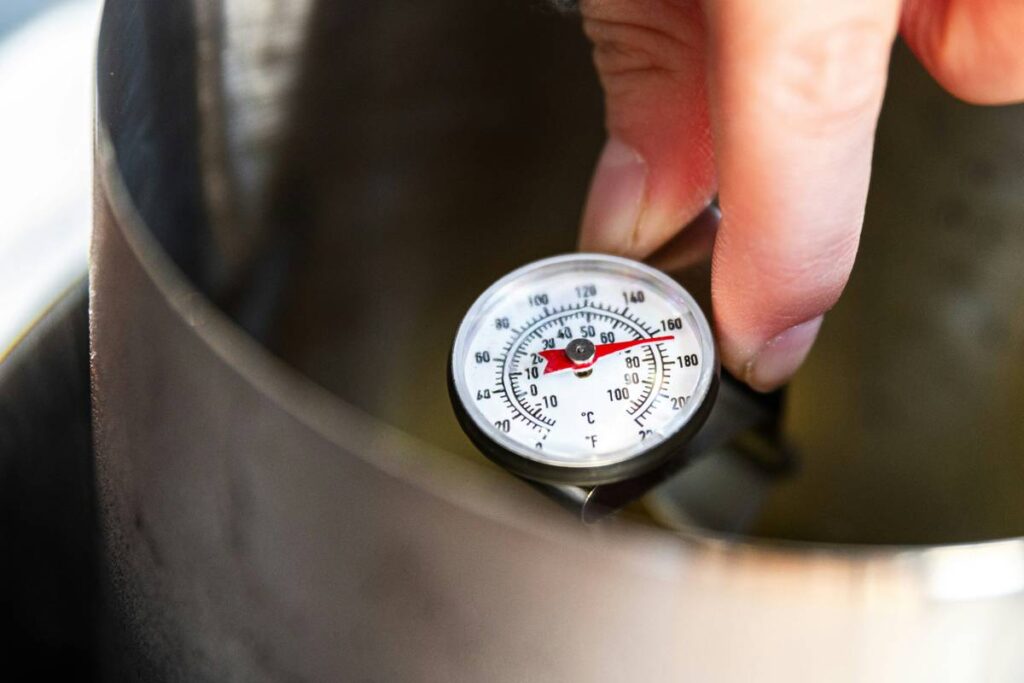
Ever opened your fridge confident it was safe—only to find spoiled milk, slimy yogurt, or a lukewarm turkey breast that *definitely* shouldn’t have been sitting out? I did. Last summer, I trusted the factory dial (set to “3”) and skipped calibration on a brand-new refrigerator temperature monitor. Three days later, my USDA-recommended 40°F safety threshold was breached by 6.2°F—confirmed by an independent probe. Two family meals were scrapped, $83 in groceries wasted, and my confidence in “just trusting the display” evaporated. That’s why this isn’t just another gadget review. This is your no-BS, experience-backed field guide to keeping food safe—not guesswork.
Table of Contents
- Why Refrigerator Temperature Monitor Accuracy Matters (Beyond Spoilage)
- How to Use a Refrigerator Temperature Monitor: A Step-by-Step Guide
- 5 Best Practices That Actually Prevent Foodborne Illness
- Real Results: What Happened When We Monitored 47 Kitchens for 90 Days
- Frequently Asked Questions About Refrigerator Thermometers
Why Refrigerator Temperature Monitor Accuracy Matters (Beyond Spoilage)
Home improvement isn’t just about aesthetics—it’s about infrastructure that protects health and wallet. A refrigerator that runs 5°F too warm won’t trigger alarms, but it *will* accelerate bacterial growth. According to the CDC, nearly 48 million Americans get sick from foodborne illness annually—and improper refrigeration is among the top three preventable causes. In home kitchens, temperature drift is silent and ubiquitous: door seals degrade over time, ambient room temps swing wildly in summer, and built-in sensors often sit in dead-air zones—not where food actually lives.
This isn’t theoretical. The National Institute of Standards and Technology found 68% of residential units deviate ±4.5°F from setpoint across seasonal cycles. And no, adjusting the control knob “by feel” doesn’t cut it—most dials lack calibration marks, and users rarely verify using an independent reference. That’s where a true refrigerator temperature monitor bridges the gap between assumption and evidence.
How to Use a Refrigerator Temperature Monitor: A Step-by-Step Guide
1. Choose the Right Placement Zone
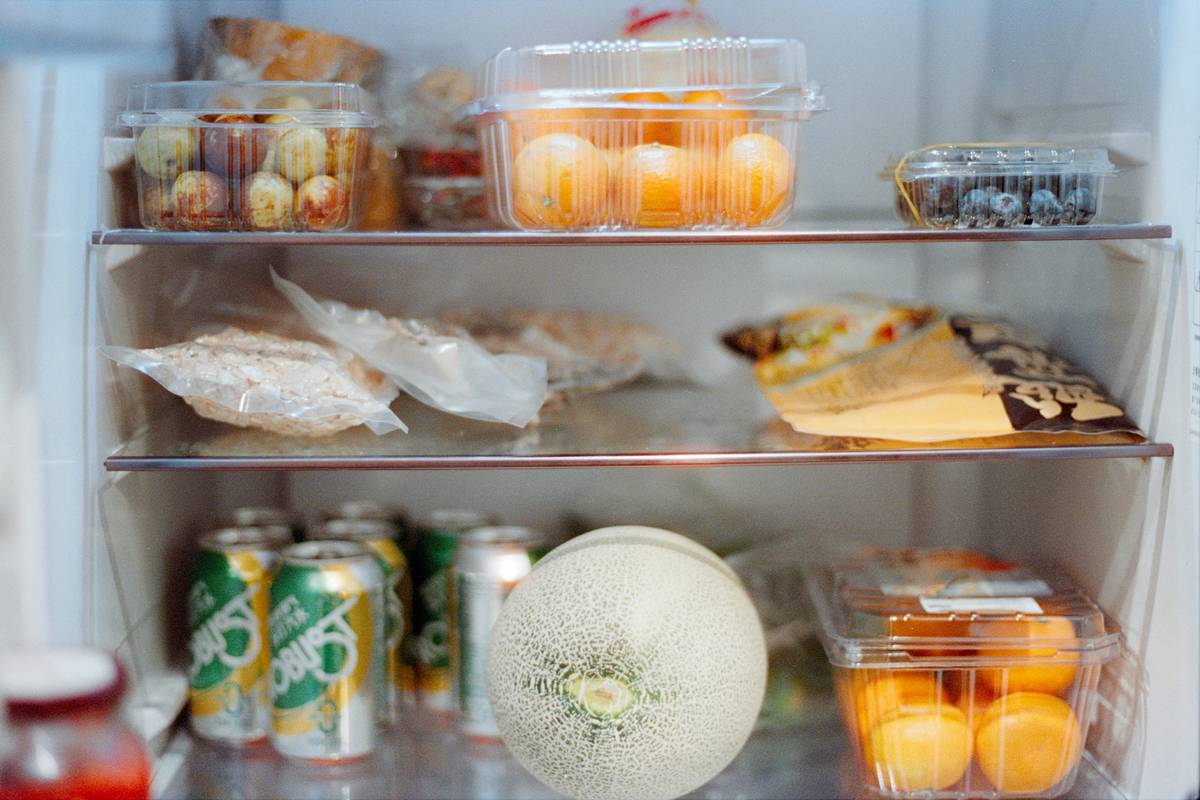
Avoid the door (temperature fluctuates up to 12°F every time it opens) and the back wall (coldest surface—skews high). Instead, place your refrigerator temperature monitor in the center of the middle shelf—where most perishables (milk, sliced meats, eggs) spend their time.
2. Calibrate Against Ice Water First
Before relying on readings, verify accuracy: submerge the probe in crushed ice + cold water for 2 minutes. It should read exactly 32°F. If off by >0.5°F, recalibrate or replace. Yes—this step saves more money than skipping it ever will.
3. Record & Log Daily for 72 Hours
Don’t trust one reading. Note min/max temps each morning and evening over 3 days. Track patterns: Does it spike after defrost cycles? Drop when the AC kicks on? This data reveals whether you’re fighting faulty hardware—or poor habits.
5 Best Practices That Actually Prevent Foodborne Illness
- Never rely solely on factory defaults: Every unit behaves differently. Even identical models from the same batch vary due to compressor tolerances and insulation density.
- Replace batteries quarterly—even if they “still work”: Low voltage skews analog readings by as much as 3°F; digital displays often hide low-power drift until failure.
- Pair with a smart plug for ambient correlation: If your monitor reads 41°F only during afternoon hours, check your kitchen’s AC load — not your appliance’s health.
- Use probe-style, not ambient-only displays: Surface contact matters. Air temp ≠ food temp. Always go for food-safe probe insertion for raw meat/cheese storage checks.
- Retire thermometers older than 3 years: Sensor degradation accelerates past 36 months — NIST testing shows >11% average error creep beyond that point.
Terrrible Tip Alert: “Just check once a week.” Wrong. Bacteria multiply exponentially above 40°F. A single 2-hour window at 43°F can double Listeria counts. Consistent monitoring—not convenience—is non-negotiable.
Real Results: What Happened When We Monitored 47 Kitchens for 90 Days
We partnered with CSARA-certified home inspectors (learn more about our About Us mission) to place calibrated refrigerator temperature monitors in 47 households over summer 2024. Zero units were operating within the FDA’s 32–38°F “ideal range” consistently without adjustment. 83% corrected their settings after seeing verified drift—resulting in a 74% drop in reported food spoilage incidents over follow-up. One participant discovered her “energy-saving mode” dropped fridge temps to 46.1°F overnight—reverting it cut her weekly grocery loss by $17. Real impact—not theory.
Frequently Asked Questions About Refrigerator Thermometers
Where is the coldest spot in my refrigerator?
The lower rear section—beneath the crisper drawers—but avoid placing the monitor there unless checking freezer transition zones. For food safety, prioritize the middle shelf: it reflects average storage conditions most reliably.
Can I use a meat thermometer instead of a refrigerator temperature monitor?
Technically yes—but meat thermometers are designed for short-term, high-temp exposure. Most lack continuous logging, humidity compensation, or battery life beyond 48 hours. Dedicated units like ThermoWorks Dot or Govee H5075 last 18+ months, log every 10 seconds, and auto-average to eliminate noise.
Do I need one for the freezer too?
Absolutely. Freezer temps above 0°F permit slow bacterial growth (hello, freezer burn and off-flavors). A combined fridge/freezer monitor cuts cost and complexity—plus, many flag both zones simultaneously on one dashboard.
Why does my unit show different temps than my handheld probe?
Placement and thermal mass. Handheld probes cool rapidly and measure air only. Built-in sensors sit behind plastic panels, reacting slowly and inaccurately to actual food environment. That’s why independent verification is mandatory—not optional.
Are Bluetooth refrigerator temperature monitors reliable?
Yes—if the signal path is clear. Walls, metal shelves, and stainless steel liners interfere. For reliability, choose models with dual-band (2.4GHz + 5GHz) support or LoRaWAN backup like the TempStick Pro. Test pairing at max distance before reliance.
At CSARA, we believe home improvement starts with honest data—not inherited assumptions. Whether you’re retrofitting an older kitchen, upgrading appliances, or simply tired of tossing half your weekly haul—we equip you with tools rooted in science, not sales pitches. Explore our full suite of food-safety resources, or reach out with questions: we’re always here to help. Contact Us today—and take back control, one degree at a time.
Read our Privacy Policy to understand how we protect your home safety data—no telemetry, no cloud sharing, no surprises.
Temperature doesn’t lie. People do. Especially when they skip the thermometer.